How Handlesline Works: From Choosing a Username to Getting Your Login Details
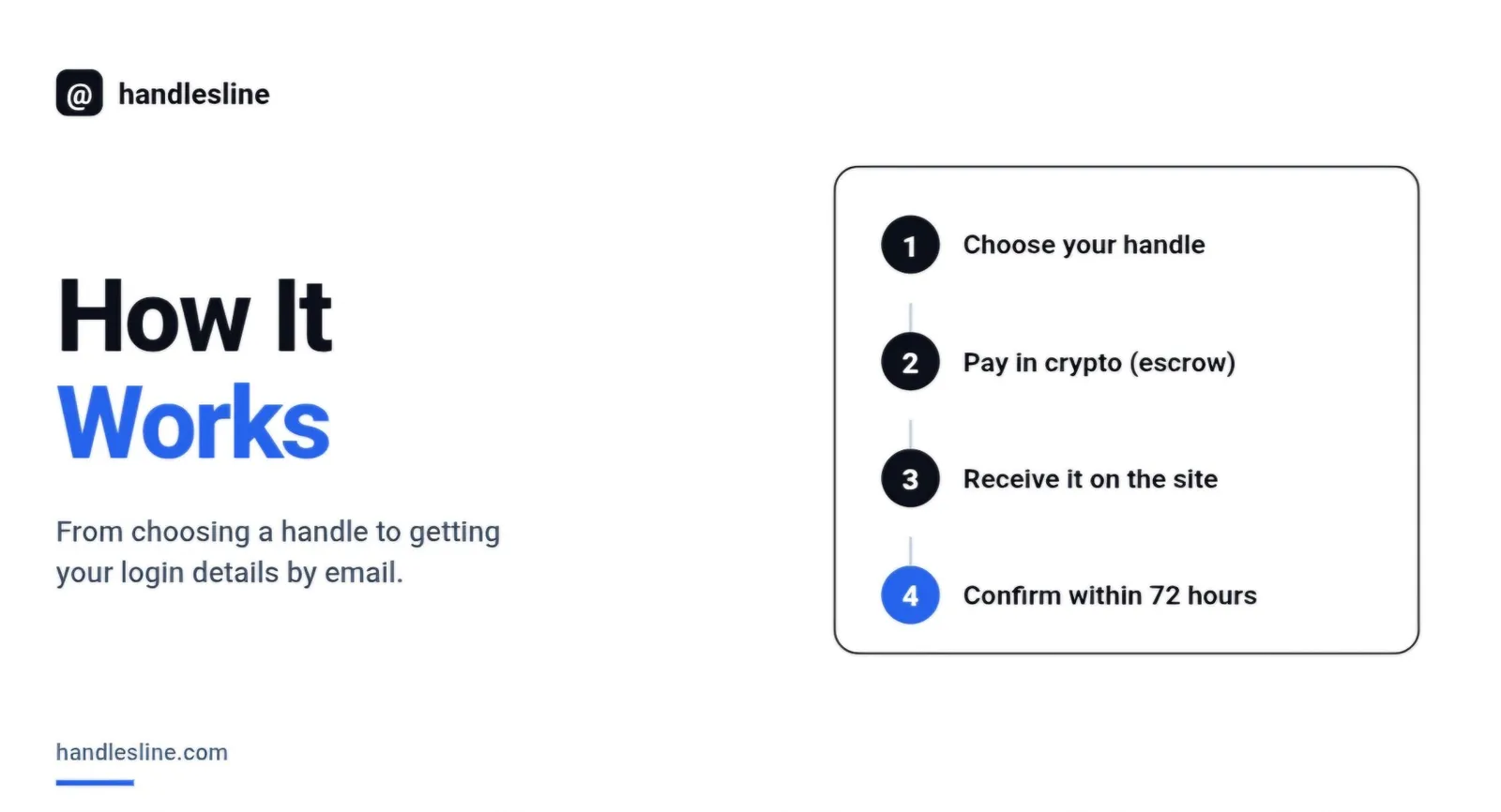
Buying a username on Handlesline takes four steps. This guide explains each one, including what you receive and what to do after delivery.
Step 1: Choose Your Handle
Browse the marketplace by platform and find the username you want. Compare similar handles before you decide.
Step 2: Pay in Crypto, Protected by Escrow
Payments are made in crypto. Your money does not go to the seller. Handlesline holds it in escrow until you confirm that everything is correct.
Step 3: Receive Your Username on the Website
Delivery happens directly on the Handlesline website, and you also get an email notification. Together with the delivery, you receive:
- The username
- The password for the account
- The original email linked to the account
- The password for that email
Everything you need to take control of the account is in one place.
Free Instructions to Avoid Problems
Every delivery comes with a set of instructions at no extra cost. They tell you how to use the account so you can avoid any problem with the profile. Follow them from the first login.
Step 4: Confirm Within 72 Hours
You have 72 hours, which is 3 days, to check the account and confirm. Once you confirm, the seller is paid.
If Something Goes Wrong
Open a ticket or a dispute. The Handlesline staff review it, and if the seller acted unfairly you are refunded 100%, immediately.
After You Receive the Account: Secure It
Once the account is yours, change the passwords and update the recovery details to your own. Do the same for the linked email. It takes a few minutes and keeps the account safe.
Frequently Asked Questions
How do I receive my username? On the website, and you also get an email notification.
What do I get with the delivery? The username, the account password, the original linked email and the password for that email.
Are the instructions free? Yes, they are included at no extra cost.
How long do I have to confirm? 72 hours, which is 3 days.
Who can I contact if I need help? Support on Telegram at @bosshandles or just open a support ticket using the button in the bottom left corner.
Ready to start? Find your handle on Handlesline.